
Live on Shopify
GrowthLine Catalog Backup
Create catalog restore points before risky Shopify changes.
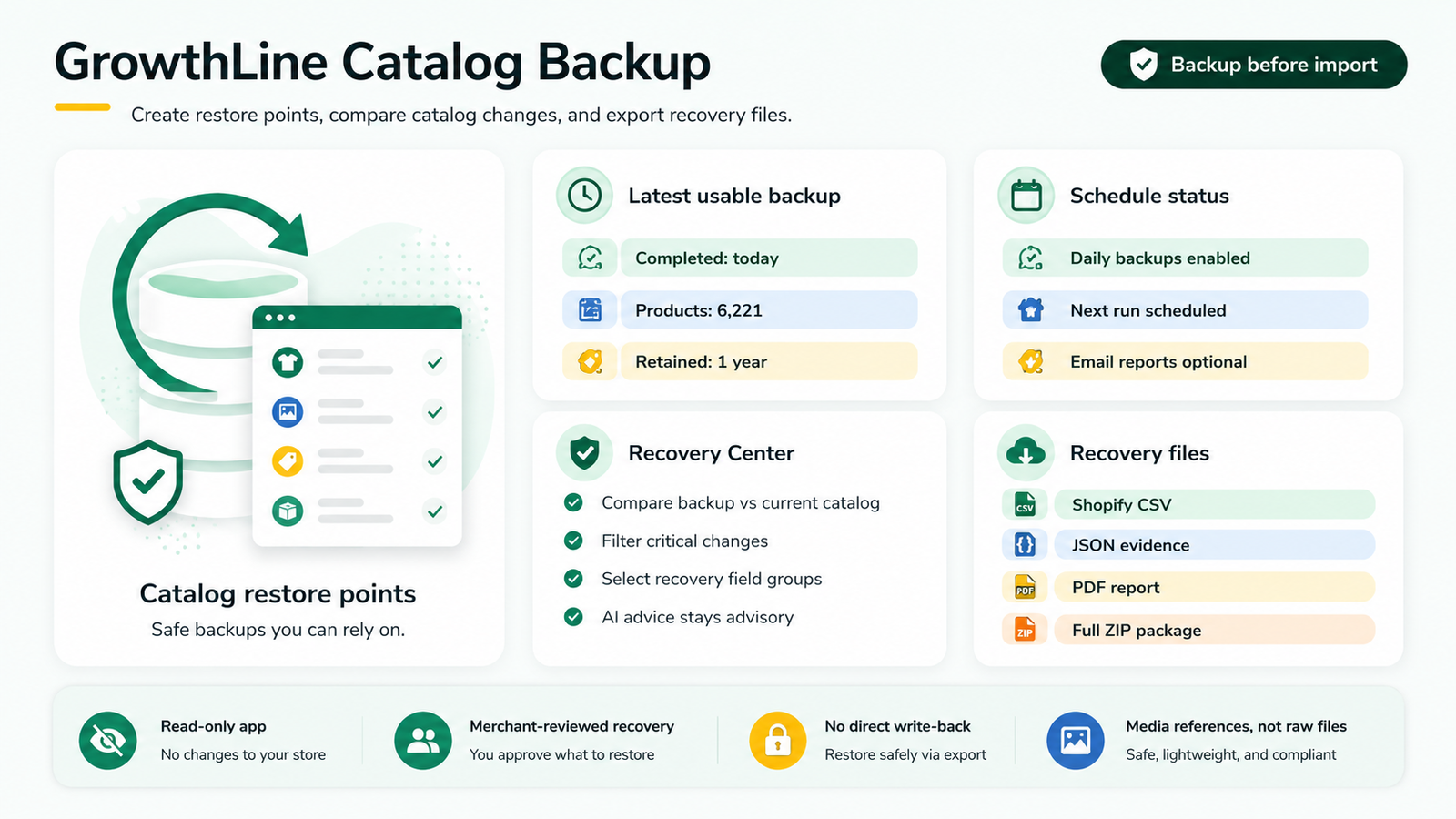
Create product catalog restore points before CSV imports, supplier updates, bulk edits, app syncs, or agency work. Compare what changed and generate recovery files merchants can review before applying.
Product screenshots
See the workflow
Best fit
For merchants who change product data in bulk and want a safer way to understand and recover common catalog fields.
Core features
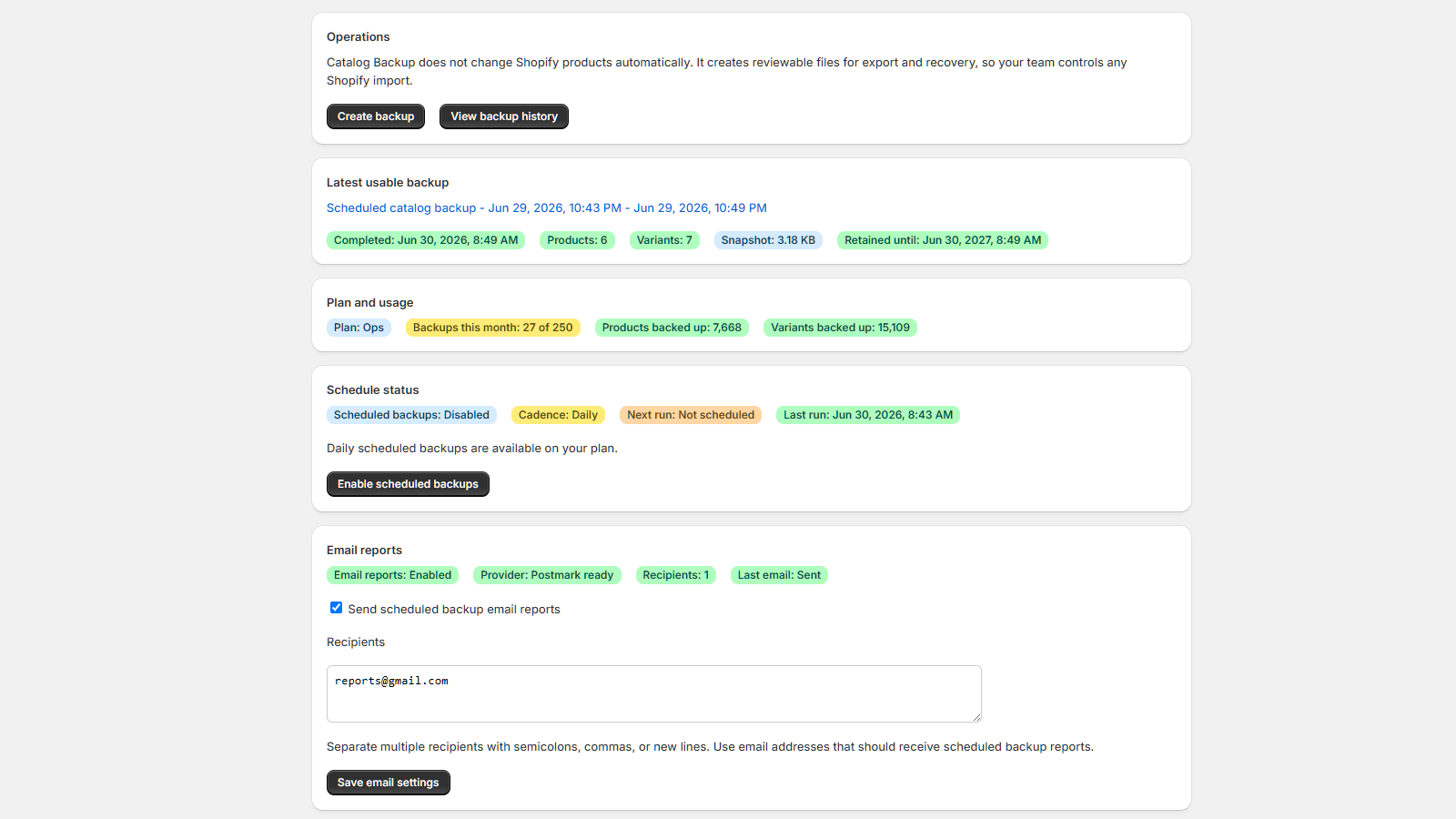
- Manual and scheduled product catalog backups
- Backup history with coverage notes and retention status
- Diff views for backup-to-current and backup-to-backup comparisons
- Recovery CSV, JSON package, warning report, and PDF summary outputs
- Optional BYO AI Recovery Advisor for selected diff guidance
Workflow
- Create a restore point before a risky import or supplier update
- Compare backups after the change
- Generate recovery files for selected products and fields
- Review warnings before importing recovery files through Shopify Admin
Review notes
- Focused on product catalog restore points, not orders, customers, themes, discounts, or a complete store archive.
- Recovery outputs are files and reports for merchant review. The app does not silently mutate Shopify data.
- Standard plans store image and media references rather than original media files.
Guides
Related guides
Suite workflow
After risky changes, scan the live catalog with Catalog Doctor
After imports, supplier updates, or bulk edits, run a catalog scan to find product issues that need follow-up.
After risky changes, scan the live catalog with Catalog Doctor