
CSV import problems
Use a Shopify CSV validator before importing product data
A validation workflow for merchants who want to catch product CSV problems before Shopify import.
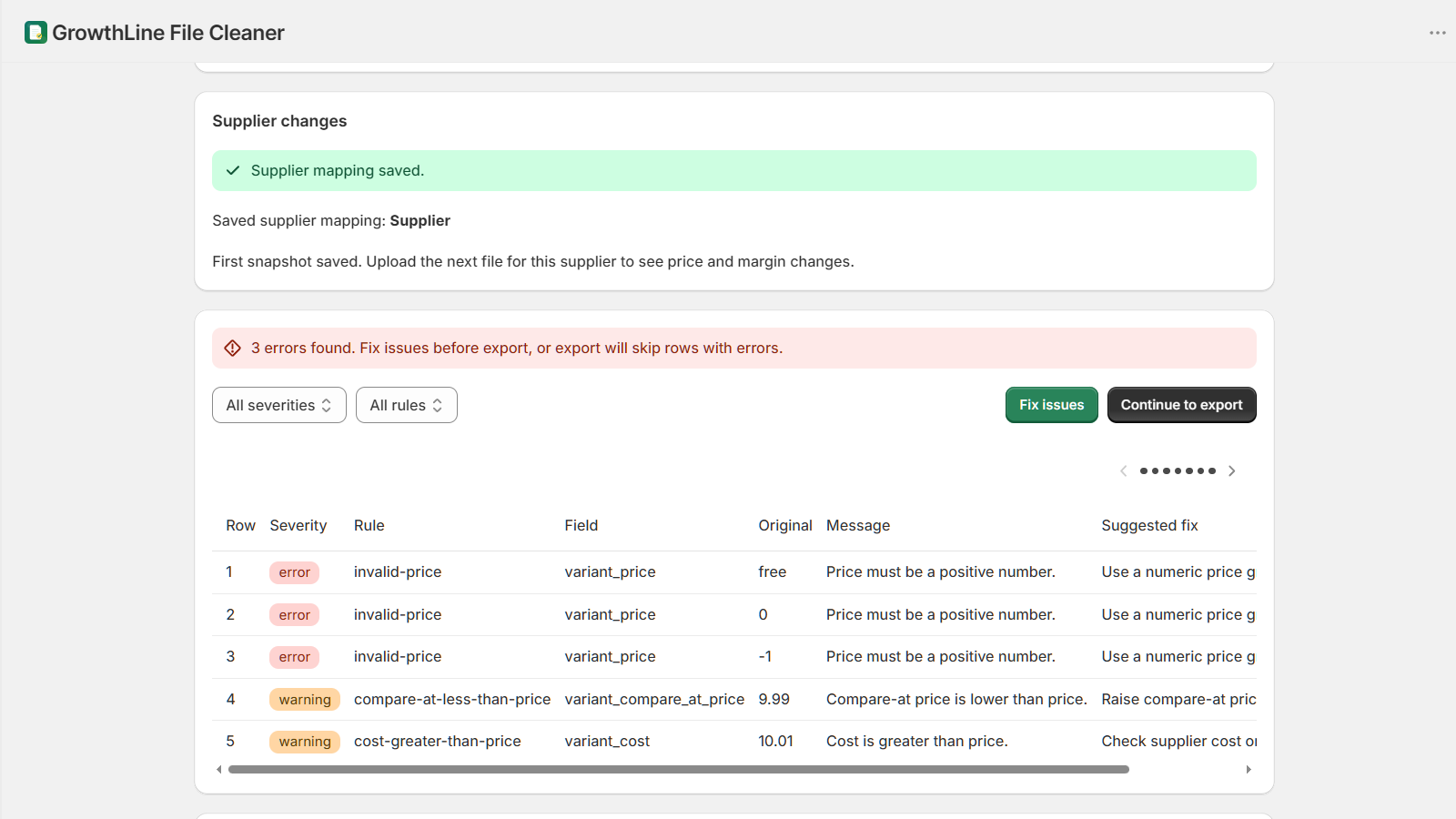
What a Shopify CSV validator should check
A practical Shopify CSV validator should check column mapping, required values, product and variant identifiers, bad prices, missing titles, duplicate SKUs, duplicate barcodes, and rows that are likely to fail review.
Supplier files are not Shopify-ready by default
Supplier CSV and Excel files often use different headers, price formats, barcode rules, and variant layouts. Cleaning the source file first avoids repeated upload attempts.
Fix Shopify CSV errors before upload
Validation is most useful before import, when merchants can review rows, correct risky fields, and export a cleaner Shopify-ready CSV.
Use a repeatable supplier CSV cleaner workflow
GrowthLine File Cleaner previews supplier files, maps columns to Shopify fields, validates rows, and exports CSV files for merchant review.
Where File Cleaner fits
GrowthLine File Cleaner works as a Shopify CSV validator and supplier CSV cleaner for merchants who prepare product files before importing through Shopify Admin.
After import, scan the catalog
A CSV validator catches file problems before upload. A catalog scan catches live Shopify issues that only appear after products and variants exist in the store.