
Catalog backup
How to back up and restore Shopify product catalog data
A practical workflow for merchants who need product-level restore points before risky catalog work.
What Shopify product backup should protect
A useful Shopify product backup should preserve the product and variant fields merchants rely on for catalog recovery: titles, descriptions, vendors, product types, SKUs, barcodes, prices, inventory-related fields, image references, and visibility context.
Create restore points before risky work
Create a product catalog restore point before changes that affect many products or variants at once.
- Supplier CSV imports
- Bulk price edits
- Catalog cleanup projects
- App syncs or migrations
- Agency or virtual assistant edits
Compare before restoring
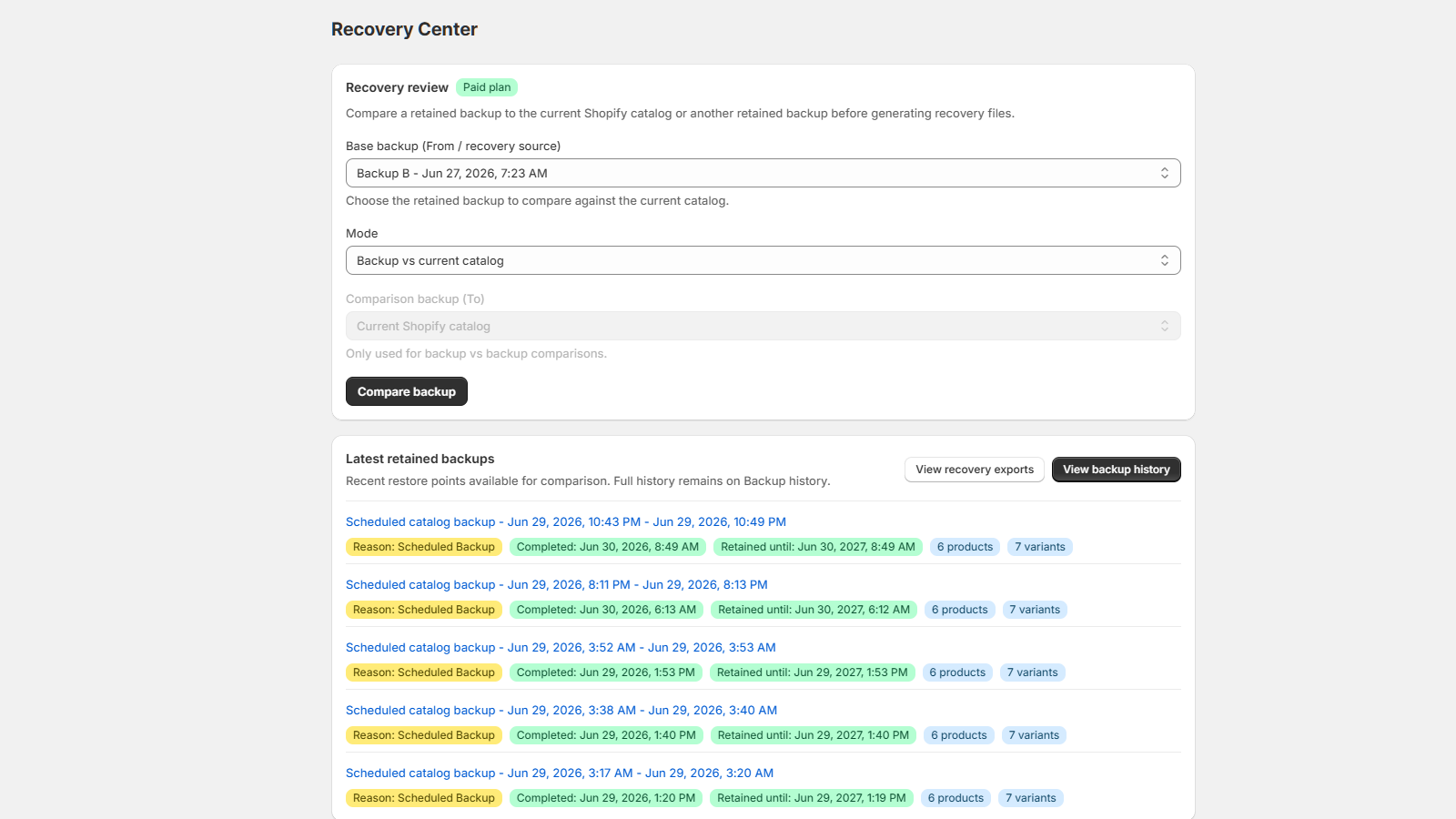
Shopify product restore work should start with a comparison. Merchants need to see what changed before they decide which fields are worth recovering.
Use recovery files for reviewed fixes
GrowthLine Catalog Backup generates recovery outputs and reports for merchant review. That keeps restore work deliberate instead of hiding product changes behind silent write-back behavior.
Where Catalog Backup fits
GrowthLine Catalog Backup is for product catalog restore points, backup history, backup comparison, and recovery file preparation for Shopify product data.
After restore, scan the live catalog
After a recovery or bulk import, run a catalog health scan to find duplicate identifiers, missing images, pricing issues, and visibility problems that still need review.